One inbox for “you have to do something.”
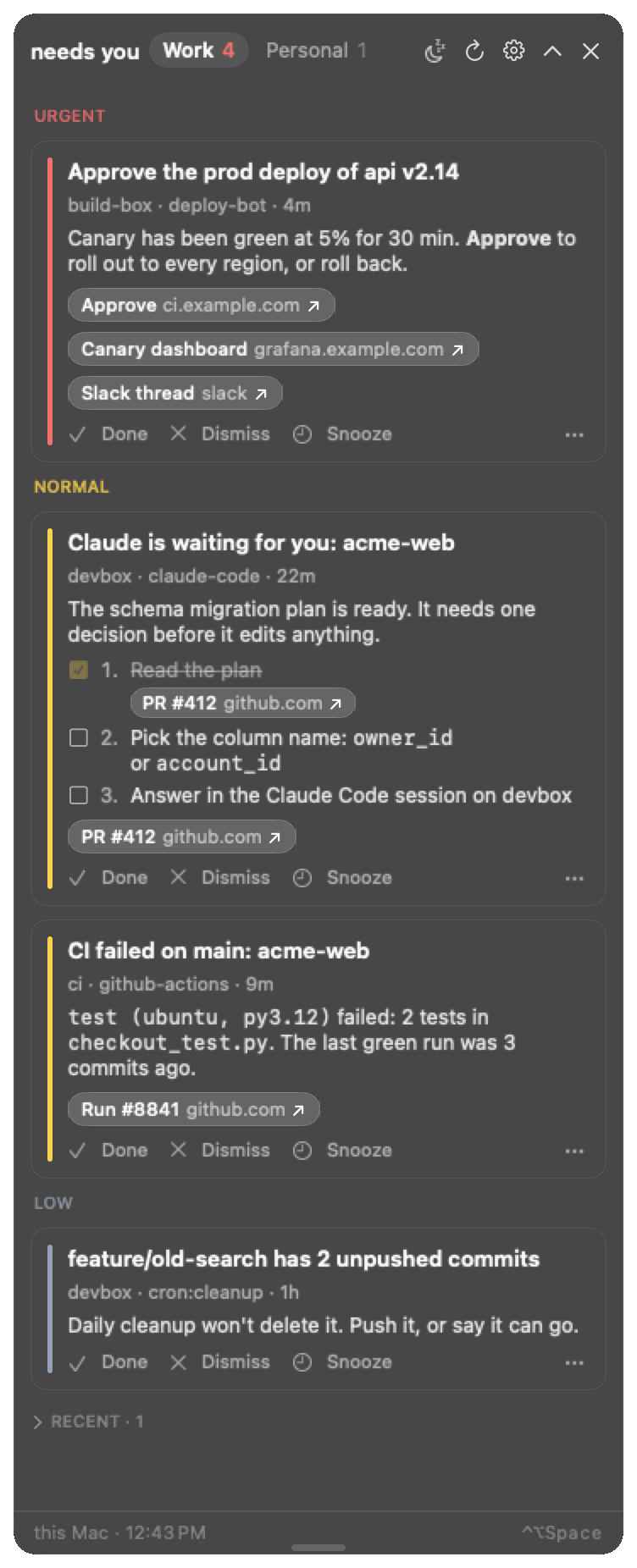
Your agents, servers and CI jobs post when they need you. A small pill on your Mac shows it. When it's handled, it goes away.
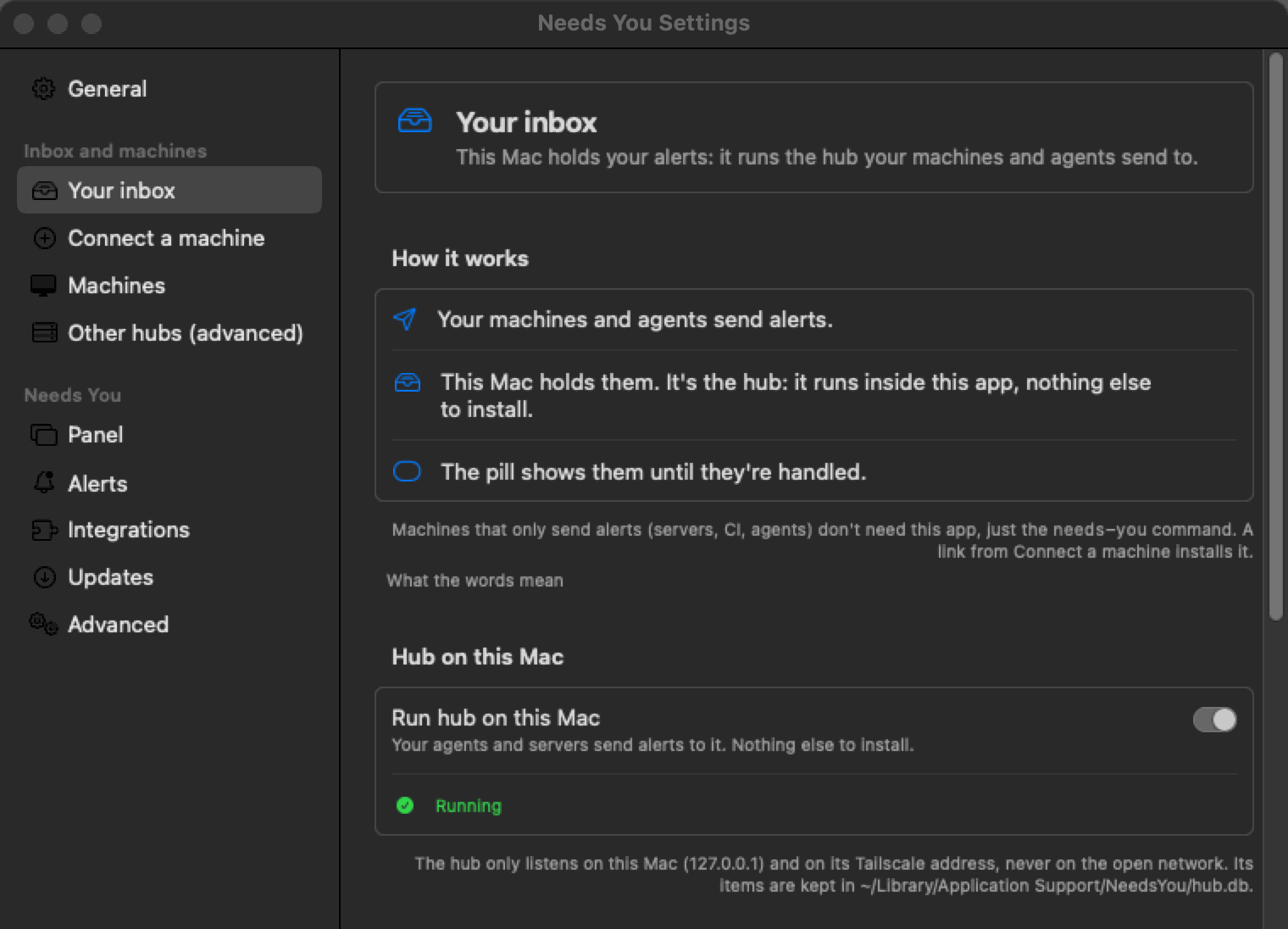
Your Mac is the hub: the app holds the alerts itself. No server, no account, no cloud.
How it works
- Your Mac is the hub. The app runs a hub: a small SQLite database behind a tiny web server, one Python file. It holds your alerts; there's nothing else to install.
- Senders post to it. A Claude session, a cron job or a CI step runs the one-file
needs-youcommand. If your Mac is asleep, the alert waits in a local outbox and goes out when it wakes. - The pill shows it until it's handled. It floats over everything and never takes focus. The sender clears it, or you click Done. Nothing piles up.
Server hubs are optional, for redundancy: the same hub on an always-on Linux server, so alerts land while your Mac sleeps. Most people don't need one. Under the hood has the details and the measured numbers.
How agents use it
An agent posts only when it's blocked on you, with a link to where you act: the PR, the ticket, or the session's folder in your editor. Here, an agent on devbox asks before it runs a migration:
needs-you add --key "claude-code:devbox:acme-api" --priority urgent \
  --title "Claude needs permission: acme-api" \
--link "VS Code=vscode://vscode-remote/ssh-remote+devbox/home/dev/acme-api"Hooks for Claude Code and the other agents post these cards for you, and clear them once you answer. Agents posting on their own follow the agent guide: post when blocked, one key per thing, resolve it when it's handled.
What it looks like
-
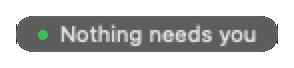
Nothing waiting. A faint pill at the top of the screen. Drag it to any corner.
-
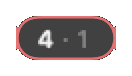
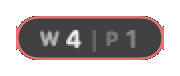
Something waiting. A count, ringed in the top priority's colour: red is urgent, amber normal, slate low. It can split work and personal.
-
Something new. The pill springs out to show it, with a button for its first link, then settles back. The demo plays it.
Under the hood
Senders
- Claude Code on devbox
- CI job
- cron on build-box
needs-you CLI: queues offline, fails over
Hubs
- Hub on your MacSQLite, runs inside the app
- Server huboptional, always on
You
- The pill on your Mac
uses whichever hub answers
A hub is a small SQLite database behind a tiny web server. It's one Python file that needs only the standard library. The Mac app runs one, so your Mac is the hub: nothing to install or keep running.
Senders are the one-file needs-you command. It tries each hub in turn. If none answers (your Mac is asleep, say), it keeps the alert in a local outbox, exits cleanly so the job carries on, and sends it later.
Server hubs are optional, for redundancy. Run the same hub on an always-on Linux server, so alerts land while the Mac sleeps. Server hubs copy every write to each other; copying to and from your Mac's own hub is coming, and until then Server hubs says how to set one up. Most people don't need one.
The app checks every 30 seconds and keeps a live stream open, so new alerts show at once. With nothing new, a check is under 100 bytes and the stream sends a short ping every 15 seconds.
It cleans up after itself. Done and FYI cards expire after a day, closed items are deleted after 7 days, and a sender's outbox keeps at most 500 alerts for 7 days.
How heavy is it?
| Piece | Measured |
|---|---|
| Mac app, idle | 0.4% of one CPU core, 55 MB memory |
| Hub on the Mac, idle | 0.2% of one core, 27 MB memory |
| Hub database | 0.9 MB after a day of use (138 items); about 600 bytes per item |
| Server hub, idle | under 0.1% of one core, 33 MB memory |
| 1,000 alerts in a burst | 1.2 s in all, 1.1 ms each; hub memory grew by 1 MB |
One needs-you call | about 0.12 s, the same when it queues offline |
Measured 2026-10-07 on an Apple Silicon MacBook Pro (macOS 15, the app's bundled hub on Python 3.9) and a desktop Linux machine (8-core AMD Ryzen, Python 3.12). Idle CPU is the average over two quiet minutes. No Docker, no database server, no pip packages, no cloud account. Details in Words and Server hubs.
Works with
Supported
- Claude Code hooks + skill
- Codex CLI hooks
- Gemini CLI hooks
- opencode plugin
- GitHub Copilot CLI hooks
- Kimi Code hooks
- Grok Build hooks
- Cursor hooks, finished turns only
- Cline hooks, finished tasks only
- Aider notifications, waiting only
- Orca automation prompt blocks
- Any MCP agent MCP server
- GitHub reviews, approvals, CI
Anything that can run a shell command can post too: CI, cron, scripts. See Add a sender. For any other agent or tool with hooks, webhooks or a notification command, build a custom connector: the guide has the exact item format, which fields are required, and tested examples.
Install
The latest release has NeedsYou-<version>.dmg (open it, drag the app to Applications) and the same app as a .zip. macOS 14 or later.
The app is ad-hoc signed, not notarized, so macOS blocks the first launch. On macOS 15 and later: double-click it, then System Settings → Privacy & Security → Open Anyway. On macOS 14: Right-click the app → Open → Open.
Connect a machine
A faint pill appears at the top right, and your Mac is now the hub. To connect a sender (a server, a CI runner, or Claude Code on this Mac): right-click the pill → Settings… → Connect a machine → Create invite.
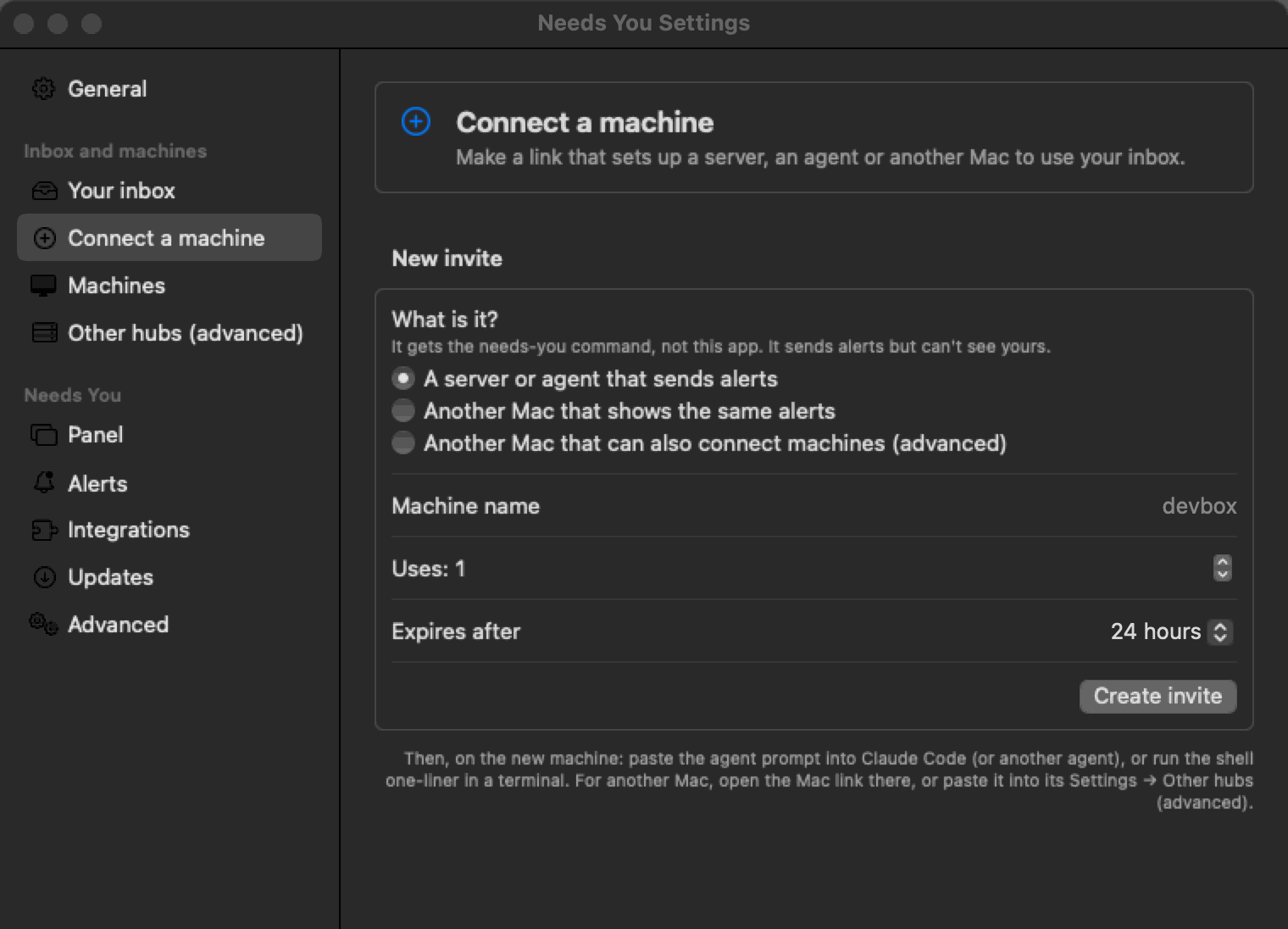
The invite gives you the real commands to copy, with your hub's address and code in them. Paste the Agent prompt into the machine's agent, or run the Shell one-liner there. Either way the machine gets the needs-you command and posts a test card. The one-liner looks like this (the Claude Code options are optional):
curl -fsSL <join_url>/install.sh | bash -s -- --yes \
  --claude-hooks user --skill --alerts
Step by step: the Quickstart, the install guide for testers (first run, what to try, reporting problems), and Tailscale for servers and other machines. All guides.
Open source
The app, the hub and the sender CLI are on GitHub. Apache-2.0. No cloud, no accounts, no telemetry.